Online shop and WhatsApp shop
Every Flowgento shop gets a storefront at flowgento.ai/store/your-shop and a WhatsApp-styled version at /wa/your-shop that opens neatly from a chat. Both sell the same catalogue.
How it works
- Add your products in Products (or import them from Shopify, WooCommerce, Tally or a spreadsheet).
- Set delivery charges, cash on delivery and your shop pages in Store settings.
- Flowgento reviews and approves the shop, then your link flowgento.ai/store/your-shop opens to customers.
- Share the link on WhatsApp and social media; orders arrive in Orders with the customer's address and payment.
The storefront
- Categories, search with suggestions, filters by price, brand and stock.
- Product pages with photos, sizes and colours (variants), MRP and your price, size charts and a description.
- Homepage banners from your own pictures, and your About, Contact, Shipping, Privacy and Terms pages.
- Your logo, address, GSTIN and social links in the footer and on invoices.
- A per-shop sitemap so search engines can find your catalogue.
Buying
- Customers sign in with a one-time code by WhatsApp or email — no password to forget.
- Online payment through your own Razorpay account (card, UPI, netbanking), and cash on delivery.
- One flat delivery charge, free delivery above an amount you choose, and a "usually delivered in X–Y days" promise by pincode.
- Wishlist, order history, a signed order-status link in every order email, and returns requested from the order page.
- Customers can download their data or delete their account themselves.
- Order emails always go; WhatsApp messages for each step (confirmed, dispatched, delivered, cancelled, refund issued) are switched on or off by you.
- Send from Flowgento's shared WhatsApp number, or connect your own WhatsApp Business number.
- If the shared WhatsApp number is ever paused, messages fall back to email automatically.
- A message history that shows what was sent, failed or held back, and why.
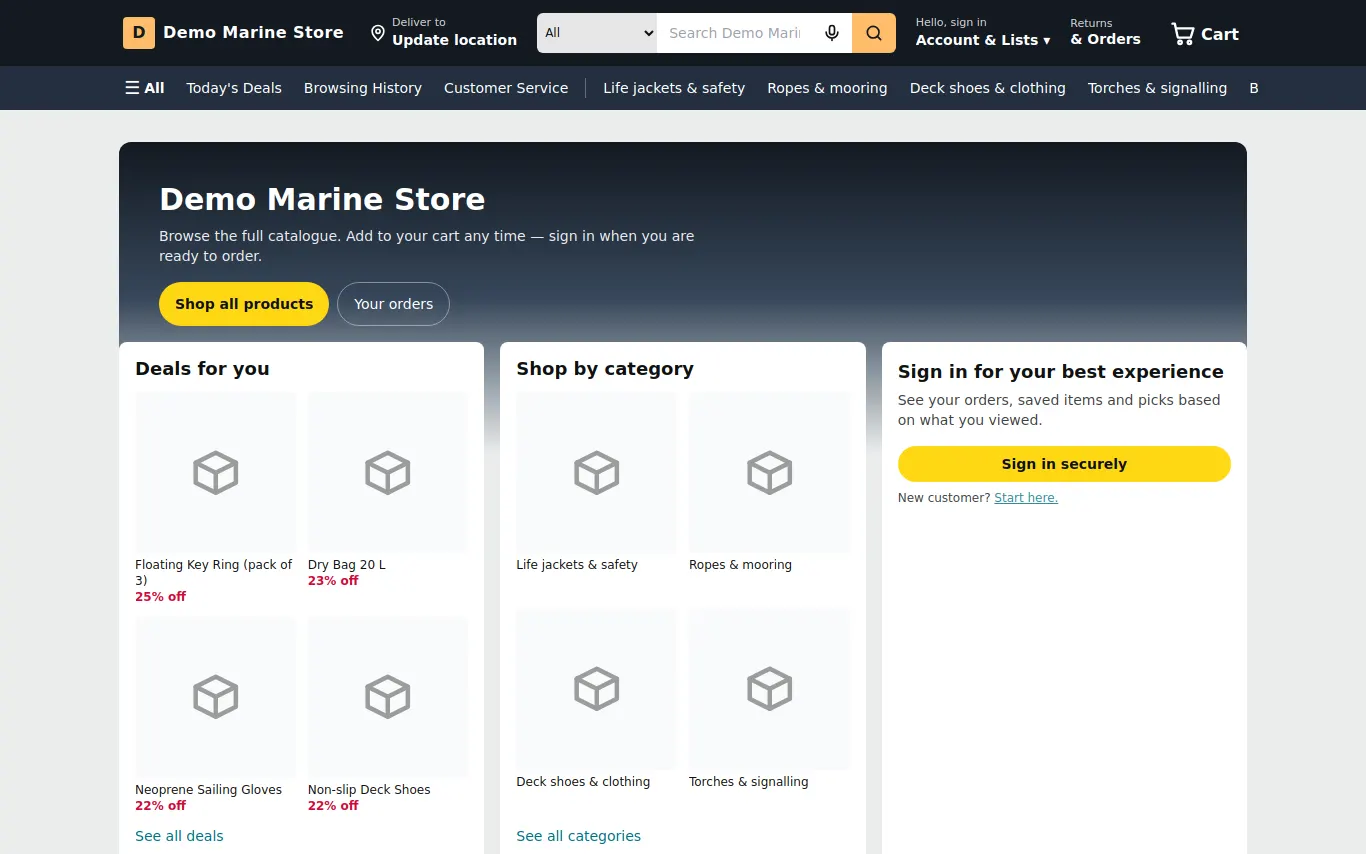
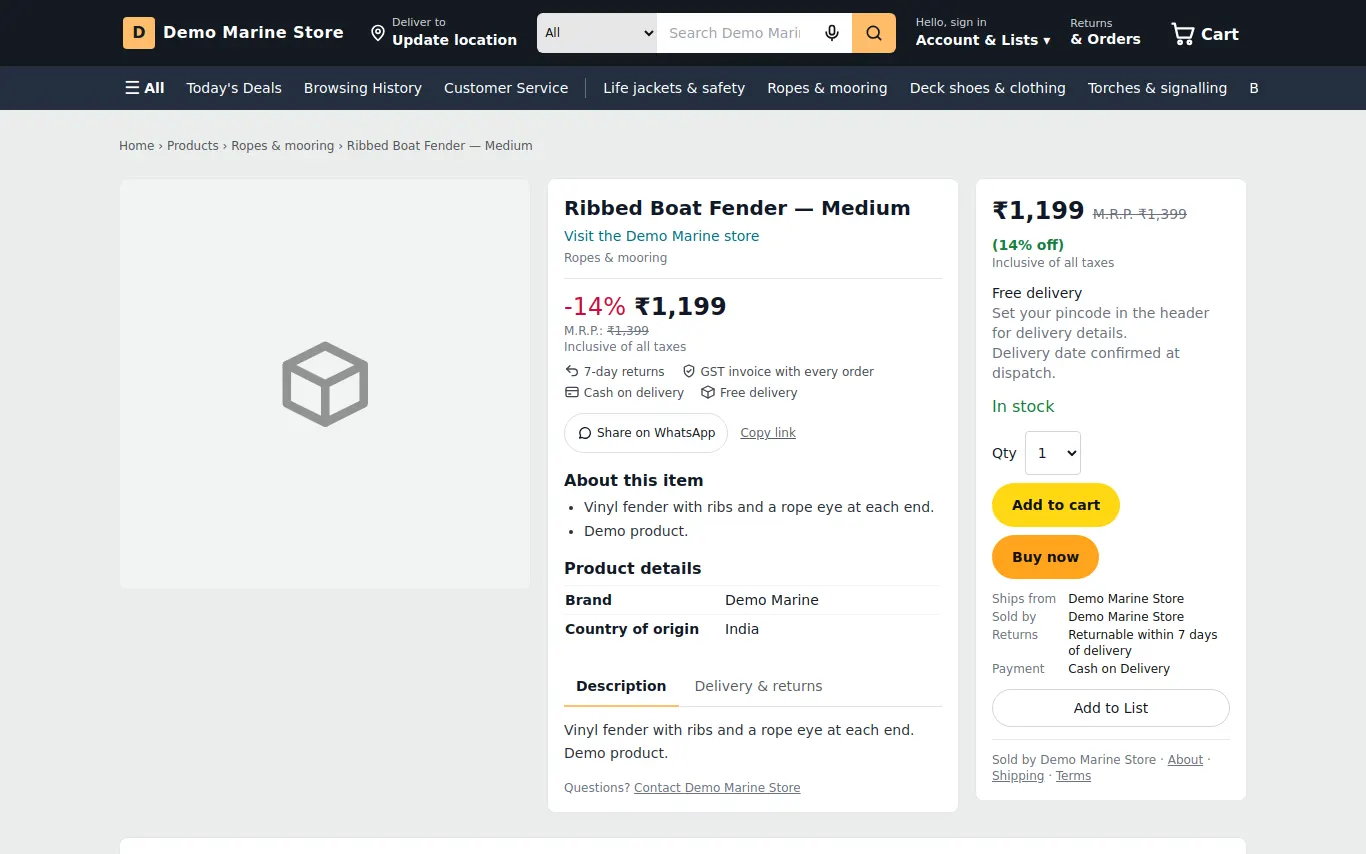
See it in the demo shop
A read-only seller panel with invented data, reset every night.
Questions sellers ask
- Do I need a website or a domain?
- No. Every shop gets its own address on flowgento.ai — /store/your-shop and a WhatsApp-styled /wa/your-shop. Custom domains are not offered.
- Which payments can customers use?
- Card, UPI and netbanking through your own Razorpay account, and cash on delivery. The money goes to your Razorpay account, not through Flowgento.
- Can customers find my products on Google?
- Yes. Each shop has its own sitemap and product pages with prices and stock in the page itself, and you can submit a product feed to Google Merchant Center.
- Is there a fee per order?
- No commission from Flowgento. Plans differ by how many orders, products and staff you can have; payment gateway charges are Razorpay's.
How it works, step by step
- Store settings overview
One page that shows how your shop is configured and where each thing is edited.
- Delivery charge and delivery promise
One flat charge, free above an amount, and an honest "usually delivered in X–Y days" by pincode.
- Shop profile
Logo, tagline, public address, email and social links — what customers see in the footer, on Contact and on invoices.
- WhatsApp — your number, triggers and history
Send order messages from your own number, choose which messages go out, and see what was sent or held back.
- Order status link for customers
Every order email carries a signed link that shows the status, timeline, courier and invoice without signing in.