GST invoices for online sellers
Flowgento raises the GST tax invoice the moment you mark an order shipped — numbered in one gapless series for your shop, with the right tax split for where the customer is.
How it works
- Set your GSTIN, state and each product's HSN code and GST rate.
- A customer orders; the price and the tax are worked out at checkout.
- You mark the order shipped — the invoice is created and numbered then.
- Refunds and cancellations after shipping raise a credit note; both feed GSTR-1.
On every invoice
- Your legal name, GSTIN, address and the invoice number from a gapless series.
- Each line with its HSN code, GST rate and taxable value; CGST and SGST within your state, IGST outside it.
- The buyer's GSTIN and business name when they order for a business (B2B).
- Delivery and COD charges taxed like the goods, at the rate you set.
When things change
- A refund or a cancellation after shipping raises a credit note, never a deleted invoice.
- Customers download their invoice from the order page or the signed order-status link.
- Invoices and credit notes go straight into GSTR-1 and into your books.
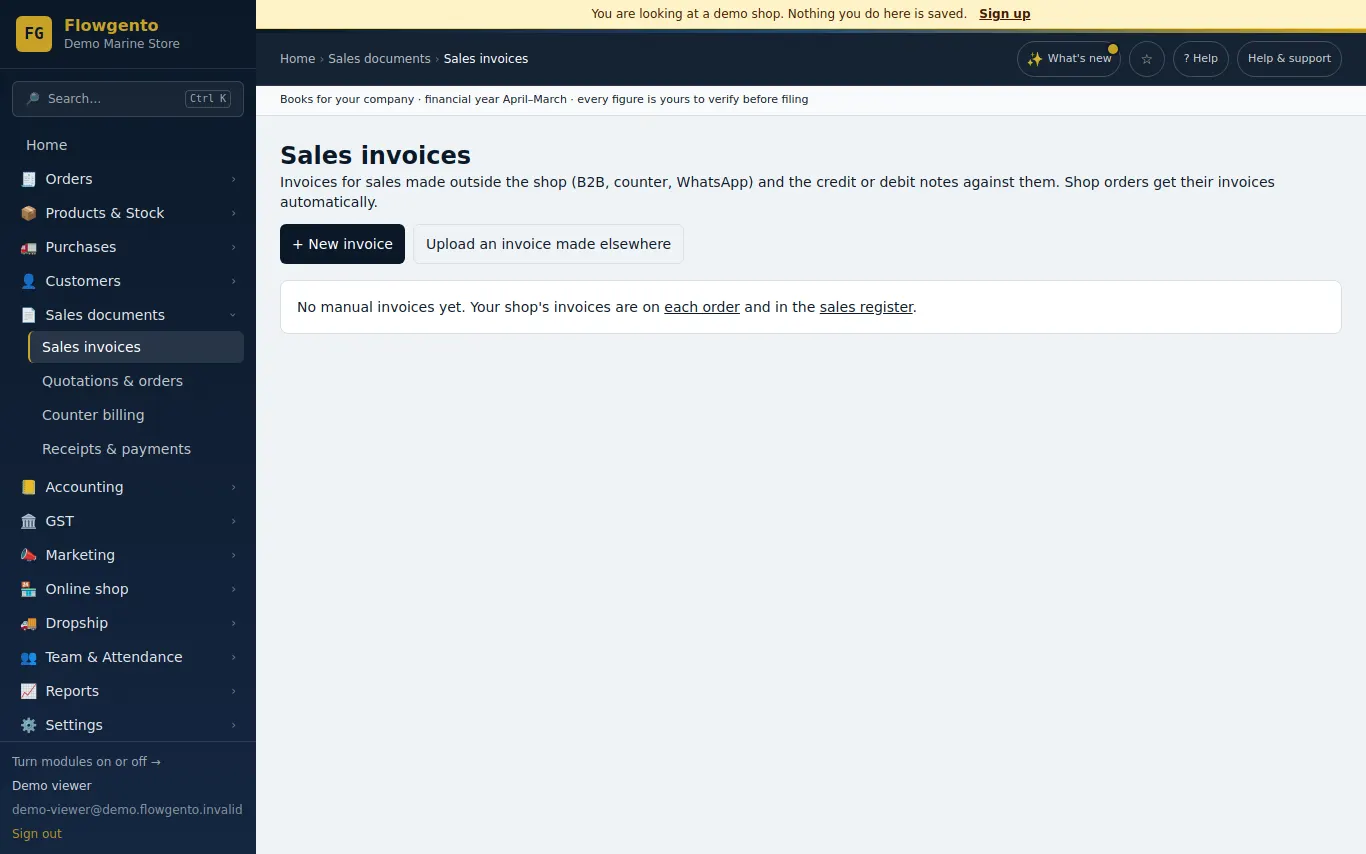
See it in the demo shop
A read-only seller panel with invented data, reset every night.
Questions sellers ask
- Why is the invoice made at shipping and not at the order?
- A supply happens when goods leave you. Orders cancelled before shipping never get an invoice, so the series stays clean.
- Can a customer get a B2B invoice?
- Yes. They enter their GSTIN and business name at checkout, and the invoice carries them.
- Can I delete an invoice?
- No — an issued invoice is never deleted. A cancellation or refund raises a credit note, as GST rules require.
- Does Flowgento create e-invoices (IRN)?
- No. E-invoicing and IRN are not offered.
Selling on marketplaces too? Make one GSTR-1 from your Amazon, Flipkart and Meesho reports.
How it works, step by step
- Invoices, credit notes and GST returns
The GST invoice is raised when you mark an order shipped; refunds raise credit notes; export GSTR-1 and 3B monthly.
- Orders and manual courier
Confirm, pack, ship with courier and AWB, deliver; cancel before shipping; bulk ship from a pasted list.