GSTR-3B and the monthly GST pack
Every month Flowgento shows the GSTR-3B figures from your invoices, credit notes and purchase bills, how much input tax credit you can use, and what is left to pay in cash.
How it works
- Sales post themselves; record your purchase bills.
- Upload the month's GSTR-2B to check your input tax credit.
- Open GSTR-3B: see the tax, the credit used and the cash to pay.
- Download the summary or send the whole pack to your CA.
What you see
- Outward supplies from the same invoices and credit notes as your GSTR-1.
- Input tax credit from your purchase bills, checked against GSTR-2B when you upload it.
- How the credit pays each tax, and the cash still to pay.
For your CA
- One zip for the month or quarter: GSTR-1 JSON, the GSTR-3B summary, registers, P&L, trial balance and every invoice.
- Sent as a 7-day download link to your CA's email.
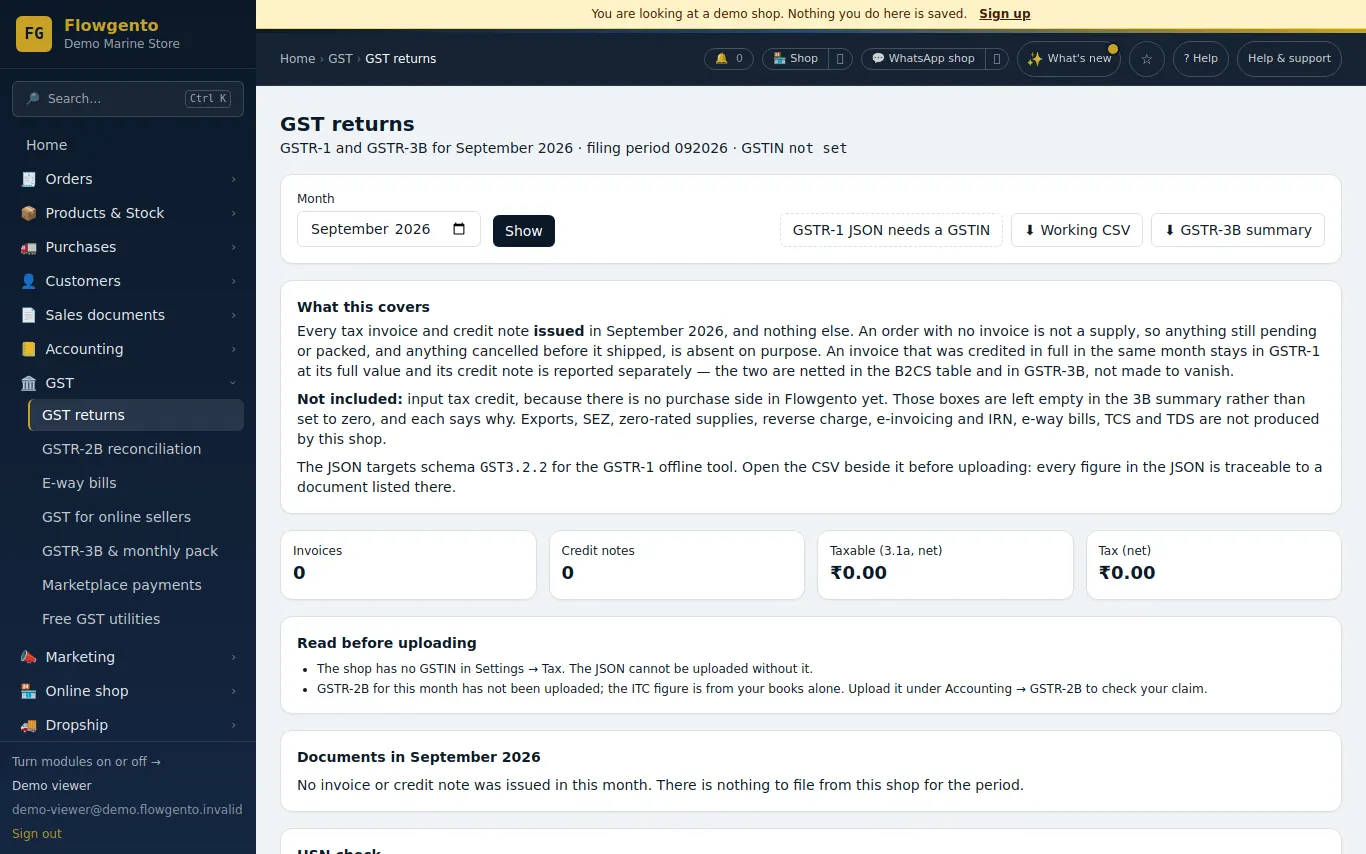
See it in the demo shop
A read-only seller panel with invented data, reset every night.
Questions sellers ask
- Does Flowgento file GSTR-3B?
- No. It prepares the figures; you or your CA file them on the GST portal.
- Where do the purchase figures come from?
- From the supplier bills you record. Without them the credit boxes stay empty rather than invented.
- Does it cover quarterly (QRMP) filers?
- Yes — the due dates and the monthly PMT-06 reminder follow your filing frequency.
- Is the GSTR-1 the same data?
- Yes. Both come from the same invoices and credit notes.
Selling on marketplaces too? Make one GSTR-1 from your Amazon, Flipkart and Meesho reports.
How it works, step by step
- GSTR-3B and the monthly GST pack
See your GSTR-3B worked out from the same numbers as your GSTR-1, how your input tax credit pays the tax, the cash to pay, and download one pack for your CA.
- GSTR-2B reconciliation
Upload the portal's GSTR-2B for a month and match it to your purchase bills, so you claim exactly the input tax credit you are allowed.
- Send to my CA
One zip for a month or quarter — GSTR-1 JSON, GSTR-3B summary, registers, P&L, trial balance, every invoice — emailed as a 7-day link.