E-way bills for your invoices
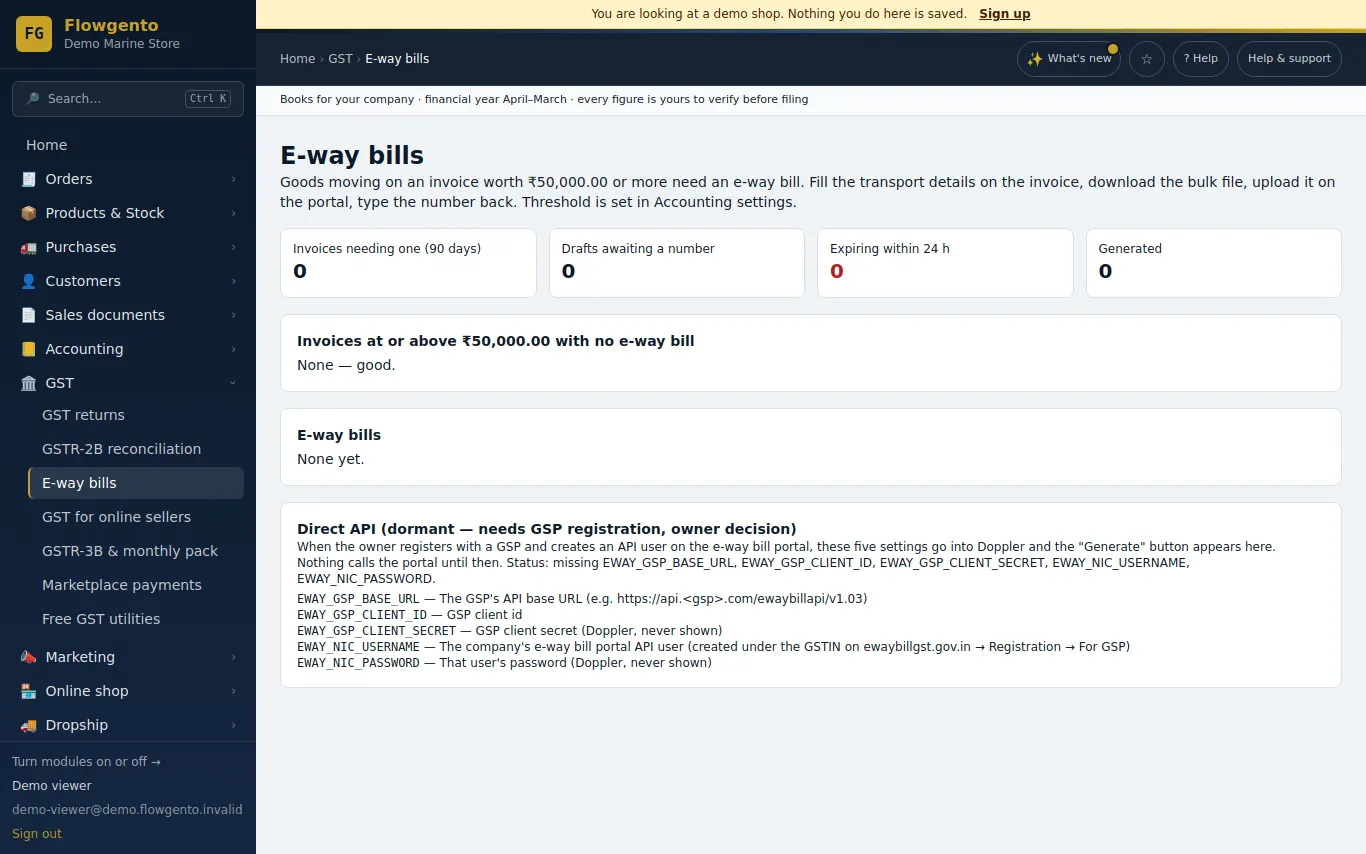
When an invoice needs an e-way bill, Flowgento prepares the file the GST e-way bill portal accepts for bulk upload. You upload it there, and record the number you get back.
How it works
- Ship an order or raise an invoice of ₹50,000 or more.
- Open E-way bills, add the transport details.
- Download the bulk file and upload it on the e-way bill portal.
- Record the number; it prints with the invoice and you get an expiry reminder.
How it works
- Invoices at or above the threshold are flagged.
- Add the transporter, vehicle and distance; Flowgento builds the portal's bulk JSON file.
- Type or paste the e-way bill number the portal gives you; it prints with the invoice.
Reminders
- An email before an e-way bill expires, so it can be extended in time.
- An Action Centre item for invoices still missing an e-way bill.
What it does not do
- Flowgento does not log in to the e-way bill portal or generate the number itself; you upload the file on the portal.
See it in the demo shop
A read-only seller panel with invented data, reset every night.
Questions sellers ask
- Does Flowgento generate the e-way bill number?
- No. It prepares the portal's bulk upload file; the portal generates the number, which you record in Flowgento.
- When is an e-way bill needed?
- Generally for goods worth ₹50,000 or more moving on one invoice. Check the current rules for your state and goods.
- Can I print it with the invoice?
- Yes, once the number is recorded.
- Will I know before it expires?
- Yes — Flowgento emails a reminder before expiry.
How it works, step by step
- E-way bills
For goods moving on an invoice of ₹50,000 or more — transport details, the portal's bulk file, the number back, printing and expiry reminders.