Barcodes and product labels
Label your stock once and scan it everywhere: at the counter, while packing orders and during stock counts.
How it works
- Give products a barcode, or let Flowgento make one.
- Fill the label fields the law asks for on a pack.
- Choose the label sheet or roll and how many of each.
- Print, stick, and scan at the counter, while packing and when counting.
Labels
- A barcode per product and per size or colour (your own, or one Flowgento makes).
- Legal Metrology fields: MRP, net quantity, manufacturer or packer, month of packing, country of origin.
- Print on common A4 label sheets or a thermal roll, with the quantity of each label you need.
Scanning
- Scan at the counter to bill.
- Scan every item while packing an order; a wrong item sounds a warning.
- Scan during a stock count.
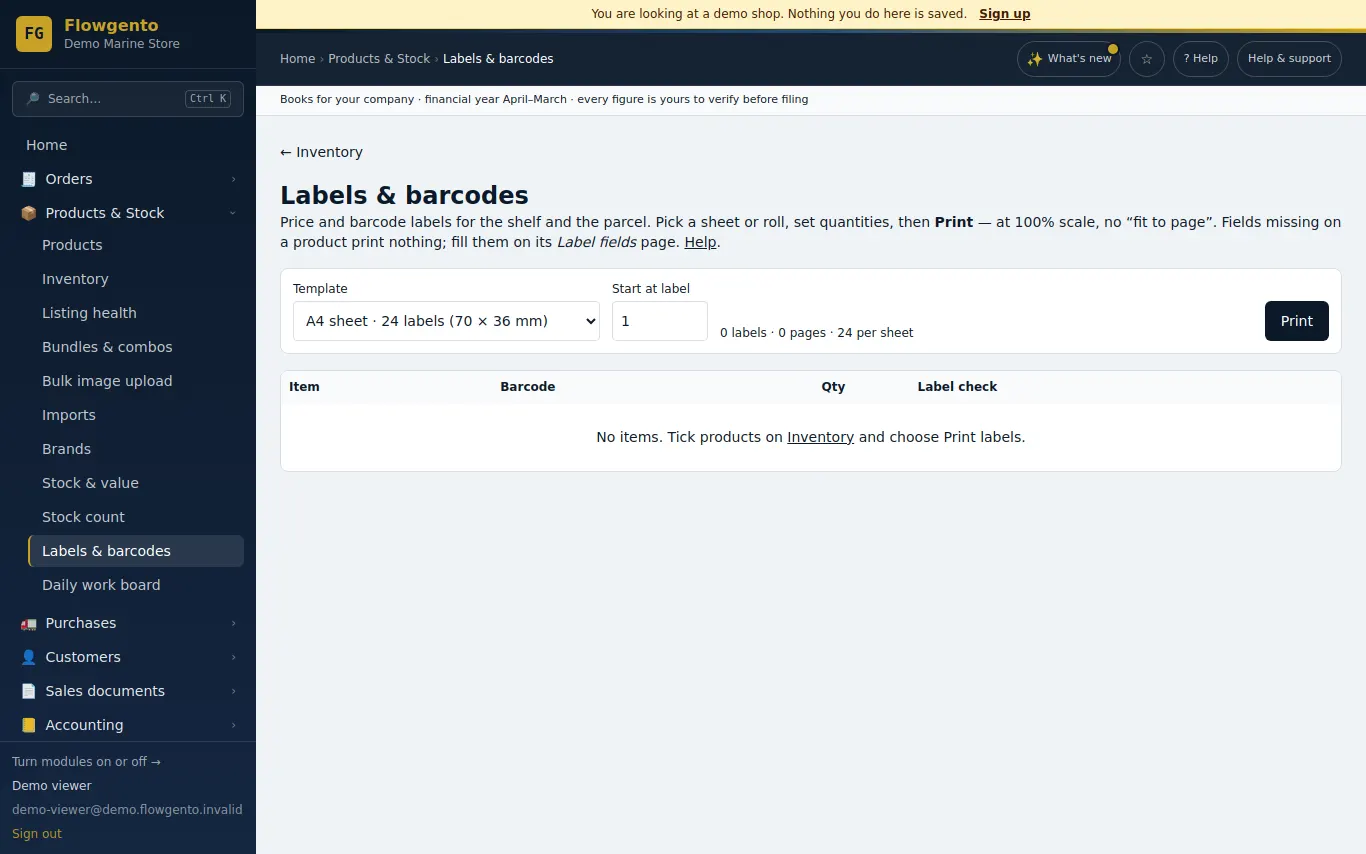
See it in the demo shop
A read-only seller panel with invented data, reset every night.
Questions sellers ask
- Do I need a special printer?
- No. A4 label sheets work on an ordinary printer; a thermal label printer is optional.
- Can sizes and colours have their own barcode?
- Yes, each combination can.
- Can I use the barcodes already on my goods?
- Yes — type or scan the existing barcode into the product.
- Is there a barcode scanner app?
- Packing can use the phone camera; at the counter a USB scanner or the search box works.
How it works, step by step
- Barcodes and product labels (Legal Metrology)
Give every product a barcode, fill the declarations the law wants on a pack, and print price labels on A4 label sheets or a thermal roll.