Product feeds for Google Merchant Center and Meta
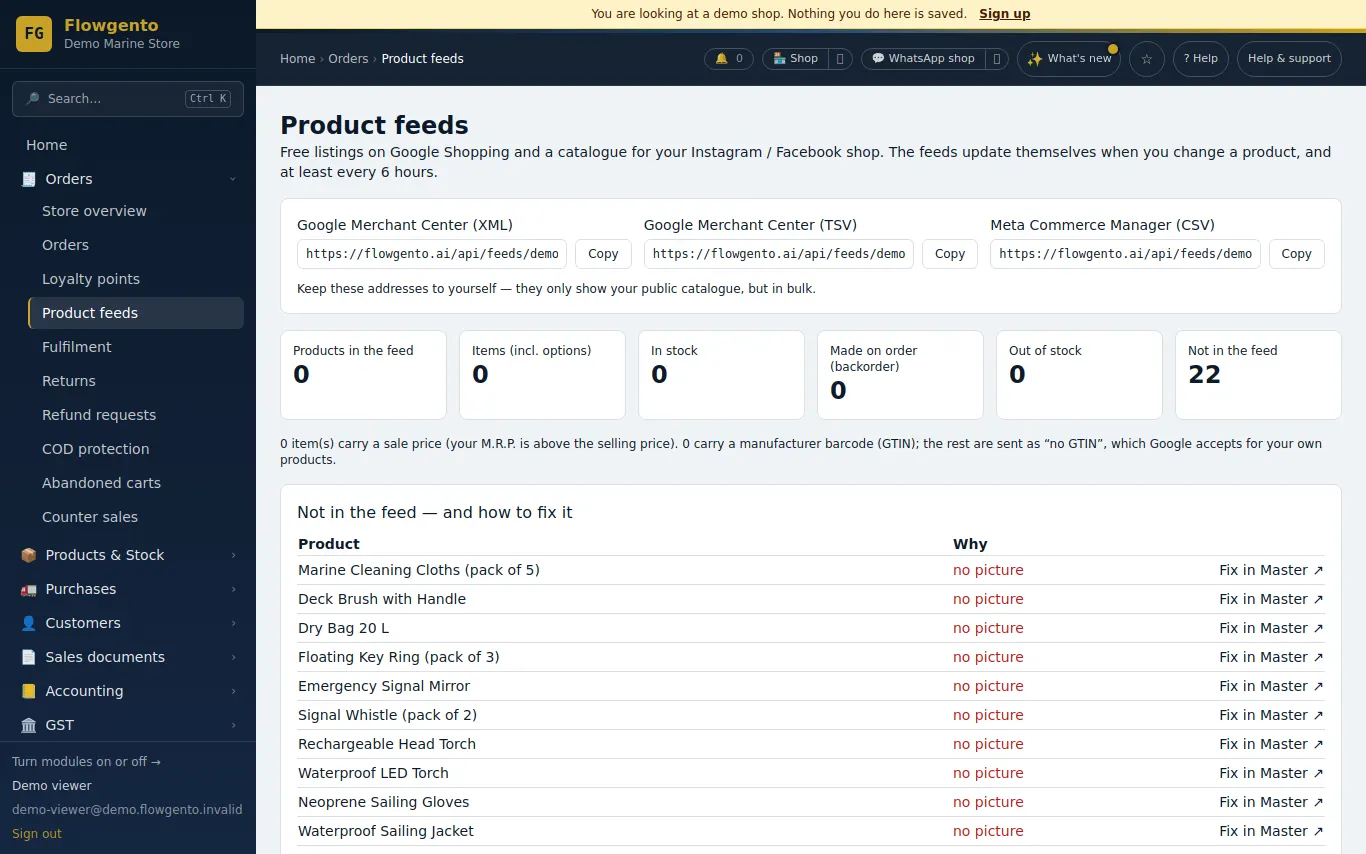
Each shop gets private feed links that Google Merchant Center and Meta Commerce can fetch on a schedule. The feeds use the same prices, stock and product pages as your shop.
How it works
- Open Product feeds and copy the link for Google or Meta.
- Create or open your Merchant Center / Commerce Manager account and verify your shop's website.
- Add the feed as a scheduled fetch with the link.
- Products appear in free listings once the platform approves them.
The feeds
- Google Merchant Center (XML or TSV) and Meta Commerce (CSV).
- Title, description, price in rupees, availability, image, brand, and GTIN only when you set a real barcode.
- Made-to-order items as back order; out-of-stock items stay listed as out of stock.
Safe by design
- Each link carries a private token; without it the feed answers “not found”.
- Feed links are never indexed by search engines.
See it in the demo shop
A read-only seller panel with invented data, reset every night.
Questions sellers ask
- Is it free?
- The feeds are part of every plan. Google's free listings are free; ads are your choice and paid to Google or Meta.
- Does my shop need a return policy and contact details?
- Yes — Google asks for them. Every Flowgento shop has shipping, returns, privacy and contact pages.
- How often is the feed updated?
- It is built fresh each time the platform fetches it.
- Can Google read my products without a feed?
- Yes, from your product pages, which carry the product data; the feed makes it faster and more complete.