Returns, replacements and cancellations
Returns and cancellations follow written rules your customers can see: your return window, per-product rules, and one cancellation rule for every order.
How it works
- Set your return window and methods in Settings → Returns.
- The customer requests a return or replacement from the order page.
- You approve, the goods come back, you inspect and restock.
- You refund (through Razorpay for online payments), or send the replacement.
Returns
- Your window in days, or a rule per category or product: not returnable, or replacement only.
- The customer picks the items, a reason, photos, refund or replacement, and pickup or sending it back.
- You approve or refuse with a reason, record the courier and pickup date, inspect with a checklist, restock what is resellable and refund — in full or in part.
- A replacement is a new order at the same value, paid by a credit note for the goods that came back.
Cancellations
- Any order can be cancelled until it is shipped, cash on delivery or paid online.
- A paid order is cancelled at once and a refund request waits for your one-click approval; nothing refunds automatically.
- Customised or personalised items cannot be cancelled by the customer, and can be returned only if they arrive damaged or wrong.
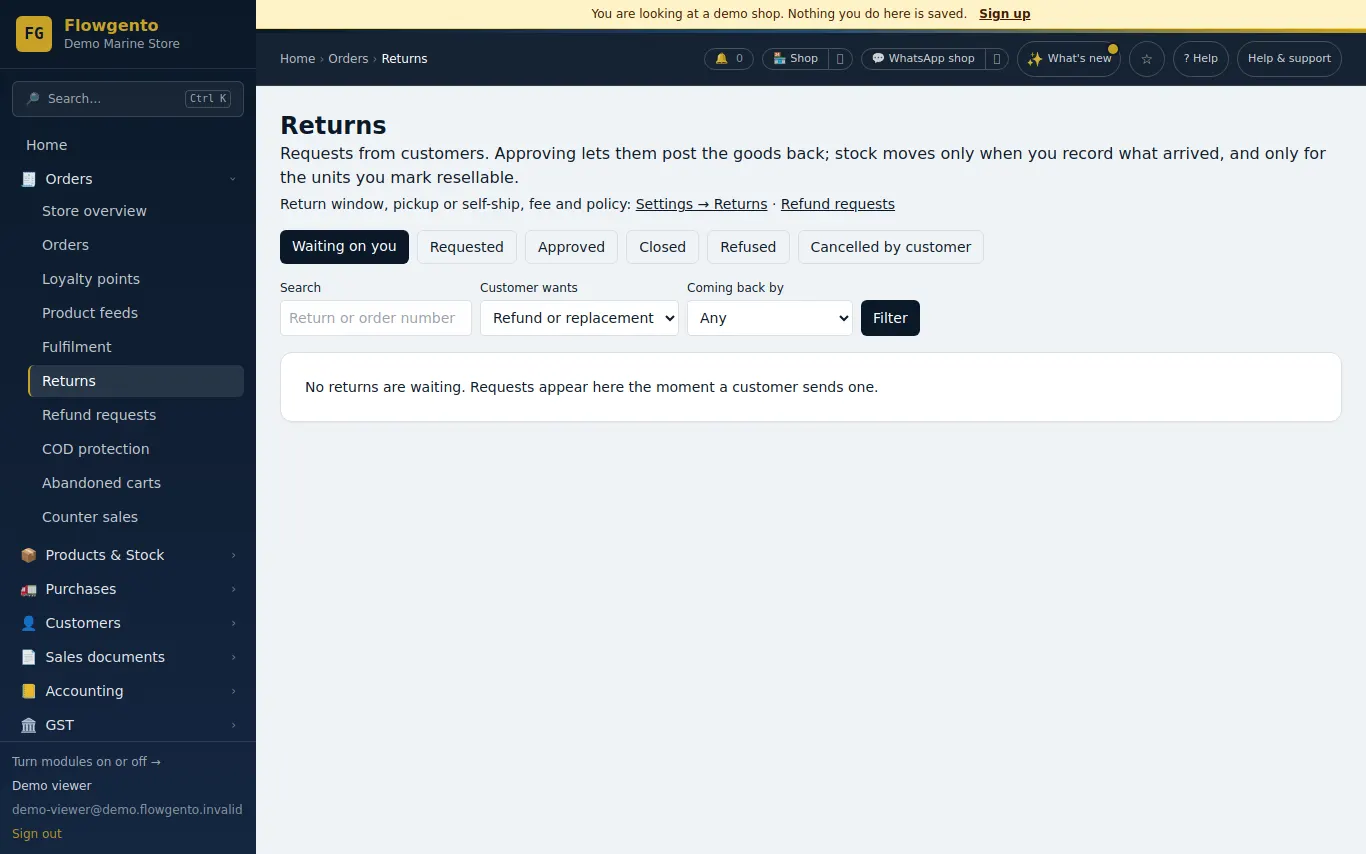
See it in the demo shop
A read-only seller panel with invented data, reset every night.
Questions sellers ask
- Can customers cancel after the order ships?
- No. After shipping they can refuse the delivery, or request a return after it arrives.
- Are refunds automatic?
- No. Every refund is approved by the shop's admin; staff cannot refund.
- Can some products be non-returnable?
- Yes — set a rule on the category or the product, and it shows on the product page.
- How do replacements work with GST?
- The returned goods get a credit note, and the replacement is a new order with its own invoice when it ships. There is never a ₹0 invoice.
How it works, step by step
- Returns and refunds
The customer asks from their order page; you approve or refuse, record what came back, and refund.
- Returns and cancellations — the rules
One rule for every order: it can be cancelled until it ships. Paid orders make a refund request you approve. Customised items cannot be cancelled or returned.