WhatsApp at eMarinersApp: sign-in codes, questions and support tickets
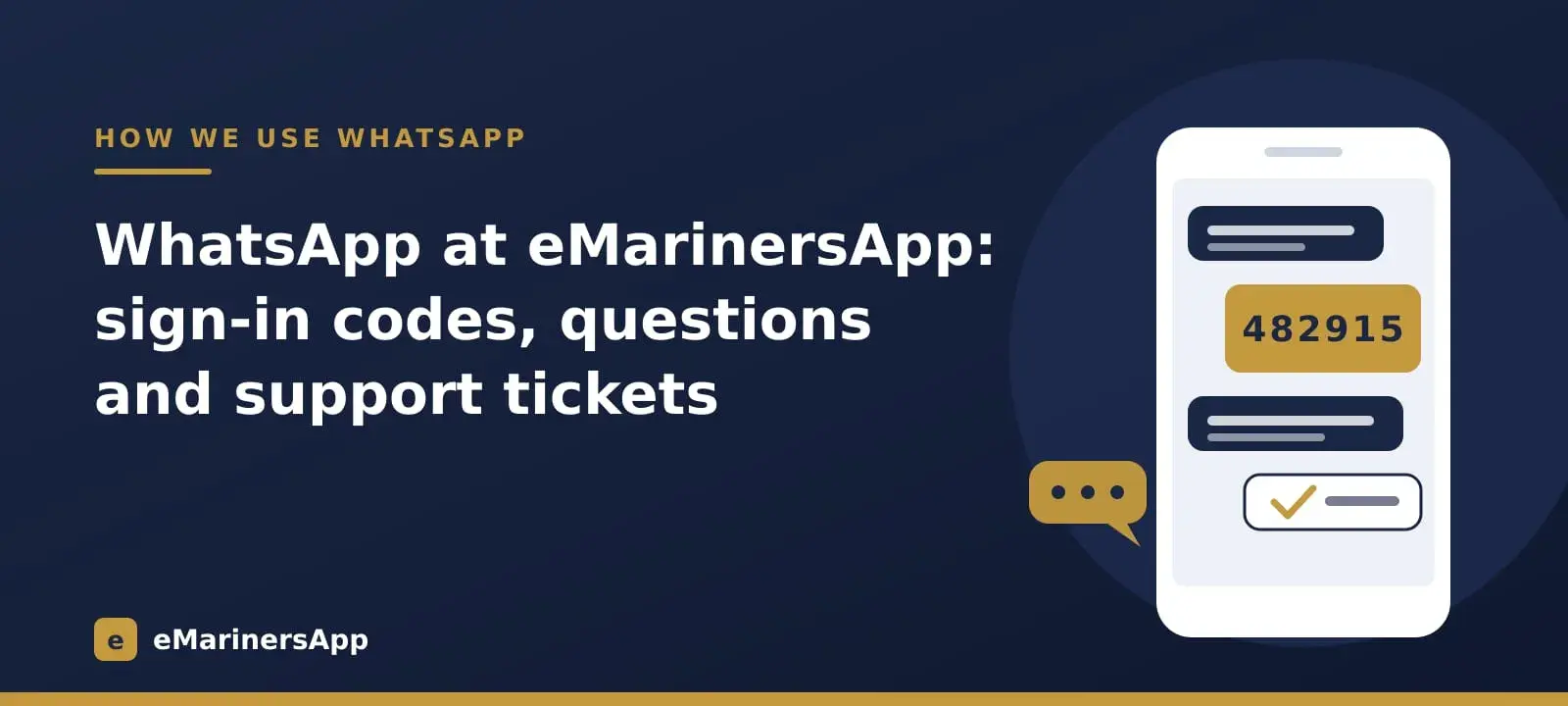
Most of our customers are at sea or in port, and WhatsApp is the one app that works for almost all of them. So at eMarinersApp WhatsApp is not just a chat button: it is how you sign in, how you ask us something, and how we answer. This page explains each part, what the messages look like, and what to do when one does not arrive.
Signing in with a WhatsApp code
On the sign-in page you type your mobile number. We send a WhatsApp message with a 6-digit code that reads like this: "123456 is your verification code. For your security, do not share this code." Type the code and you are in. There is no password to remember, and nobody can sign in to your account without the phone in your hand.
The code is valid for ten minutes and can be tried a few times; after too many wrong tries it stops working and you simply ask for a new one. Never share the code with anyone, including someone who says they are from eMarinersApp: we will never ask you for it.
When the code does not arrive
Sometimes a code is slow — the phone is offline, the ship's Wi-Fi drops, or WhatsApp holds the message for a while. On the sign-in page, choose Didn't get the code?. The page then shows a short code and asks you to send it to our WhatsApp number. As soon as your message reaches us, the page signs you in. Because you write to us, this works even when a message to you is delayed.
Asking a question
The Contact page has our WhatsApp number, phone and email. You can also fill in the message form there; if you came from a product page, the form already names that product.
Every message from the form becomes a support ticket with its own number. We confirm it on WhatsApp, and when our team replies you get the reply on WhatsApp and by email. If you answer our WhatsApp message while the ticket is still open, your answer is added to that ticket, so nothing gets lost between chats.
Who sends these messages
All of these messages come from our WhatsApp Business number through the official WhatsApp Business Platform. They are sent through Flowgento, the WhatsApp CRM made by the same team as eMarinersApp. It keeps one conversation per customer, so the code, the ticket and our reply all sit in the same chat.
Frequently asked questions
Do I need to save your number before I get a code?
No. The code is a WhatsApp template message from our verified business number, so it reaches you even if you have never written to us.
Why did my sign-in code not arrive?
Usually the phone was offline or WhatsApp delayed it. Wait a minute, ask again, or use "Didn't get the code?" and send us the short code instead.
Will you send me offers on WhatsApp?
Only if you tick the box that asks for offers. Sign-in codes and replies to your own questions are not marketing and are always sent.
Can I reply to your WhatsApp message?
Yes. While your ticket is open, a reply to our message is added to it and our team sees it. After a ticket is closed, start a new message from the Contact page.